The tour · about a minute
This page is a tape.
Scroll, and it scrubs through a recording, words and all. Or press play below, and the page plays itself.
Voice recorder for iPhone
An hour of audio, found in seconds. Try it: slide the handle to scrub the tape, then press the red button and scrub your own voice.
Free to record, play and mark. Pro is a one-time $4.99.
Anything you record stays in this browser tab. Nothing is uploaded.
The tour · about a minute
Scroll, and it scrubs through a recording, words and all. Or press play below, and the page plays itself.
Scrub
Nudge the handle to creep back a few seconds. Slide it further to fly through a long recording. Let go and it springs home. No skip buttons, no tiny sliders to chase.
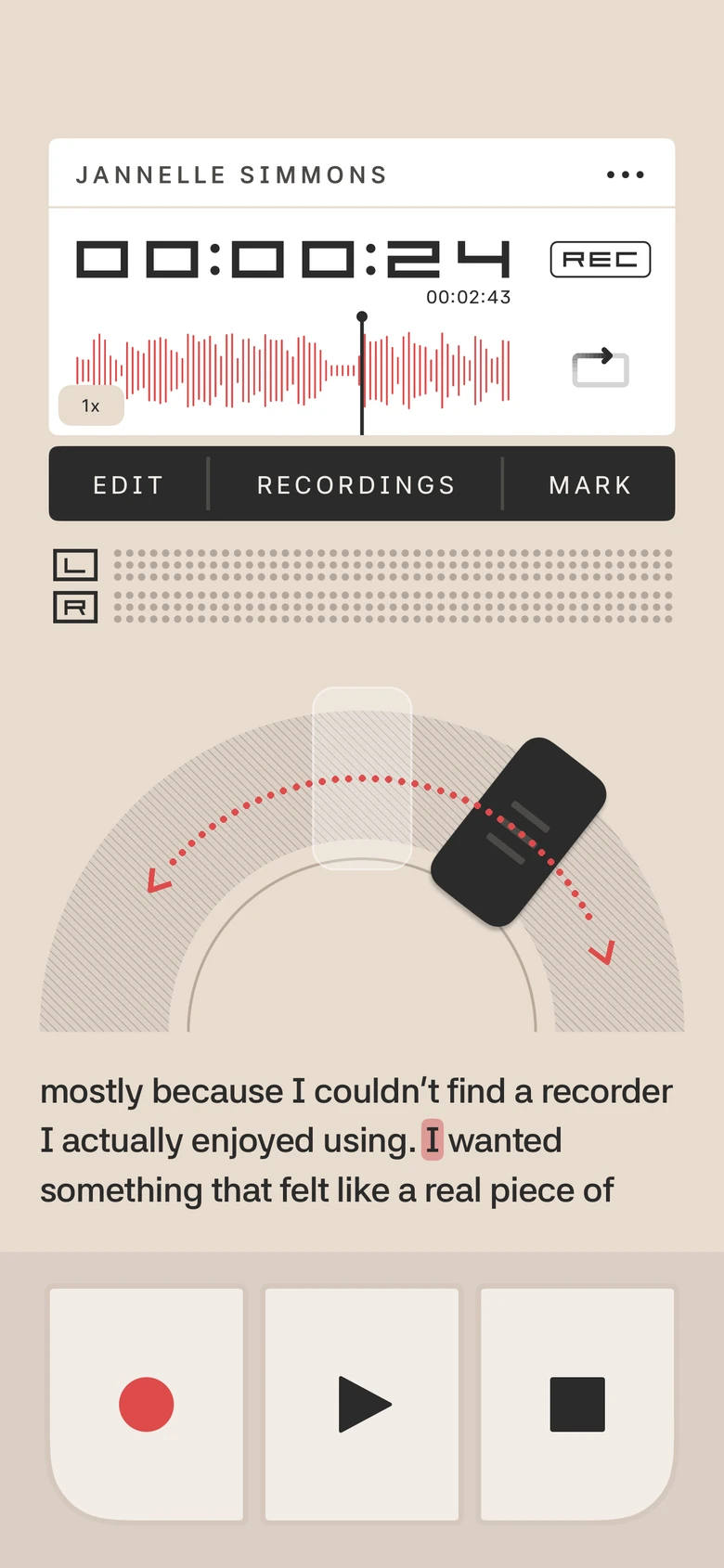
Follow along
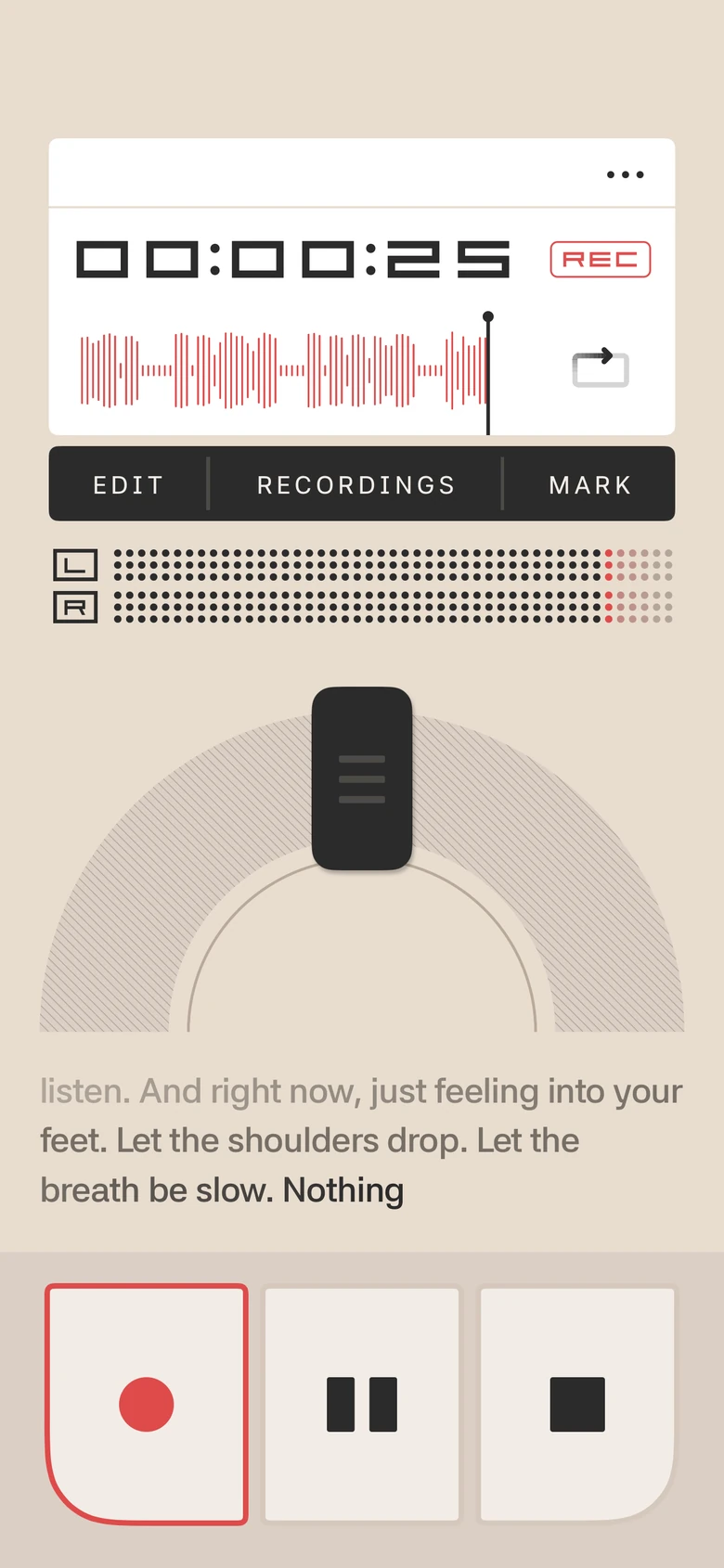
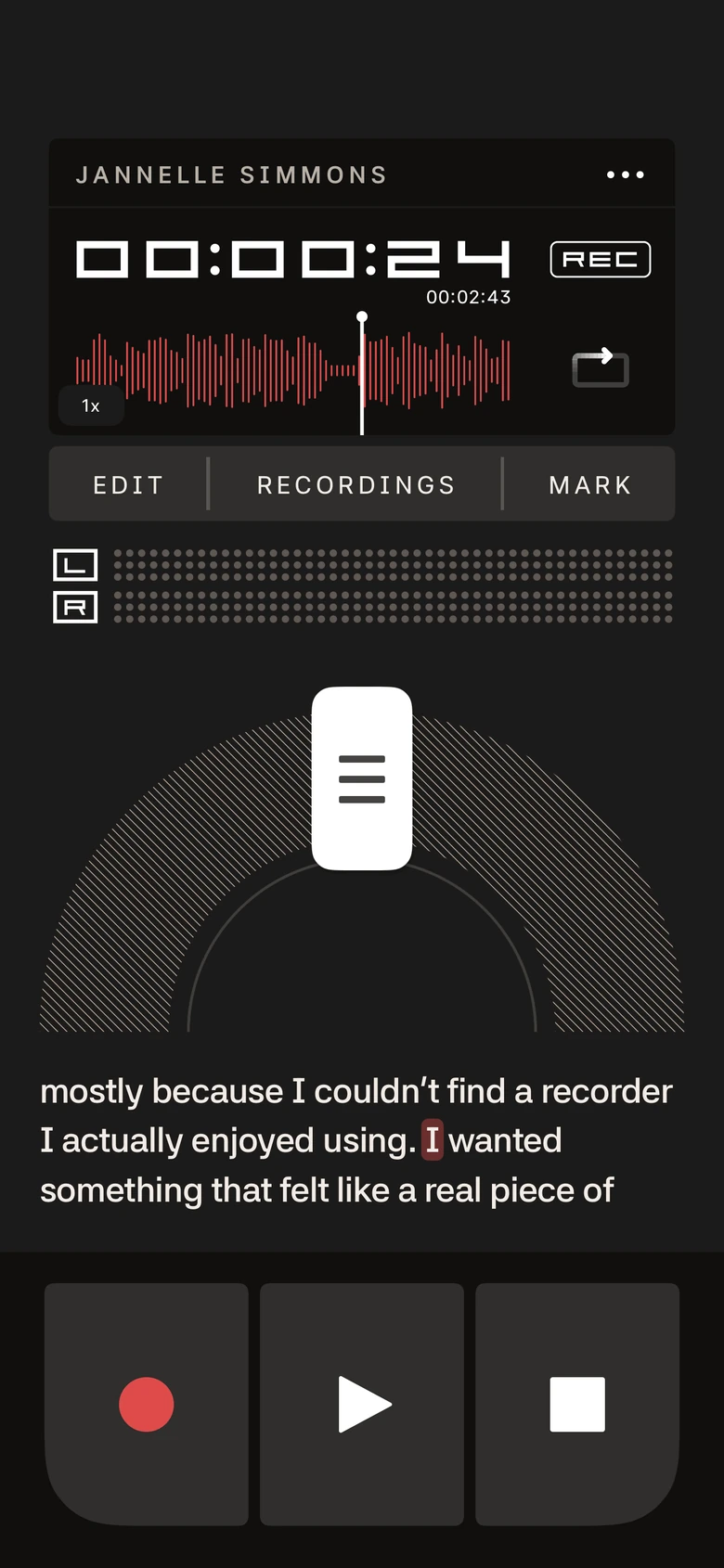
Three lines of words sit right under the dial. While you record they appear as you speak. Play it back, or scrub the slide, and the word being said lights up. Like the words under this page.
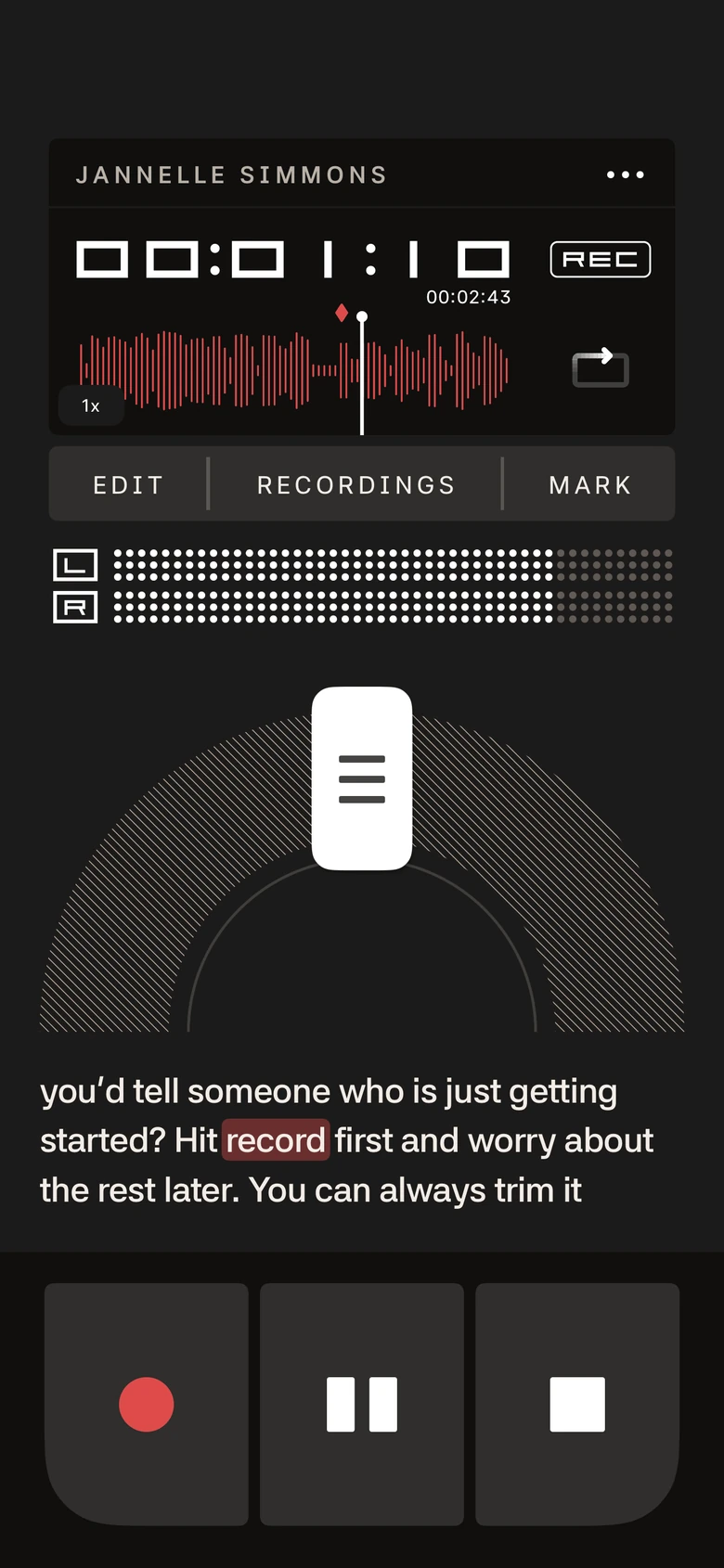
Transcripts · Pro
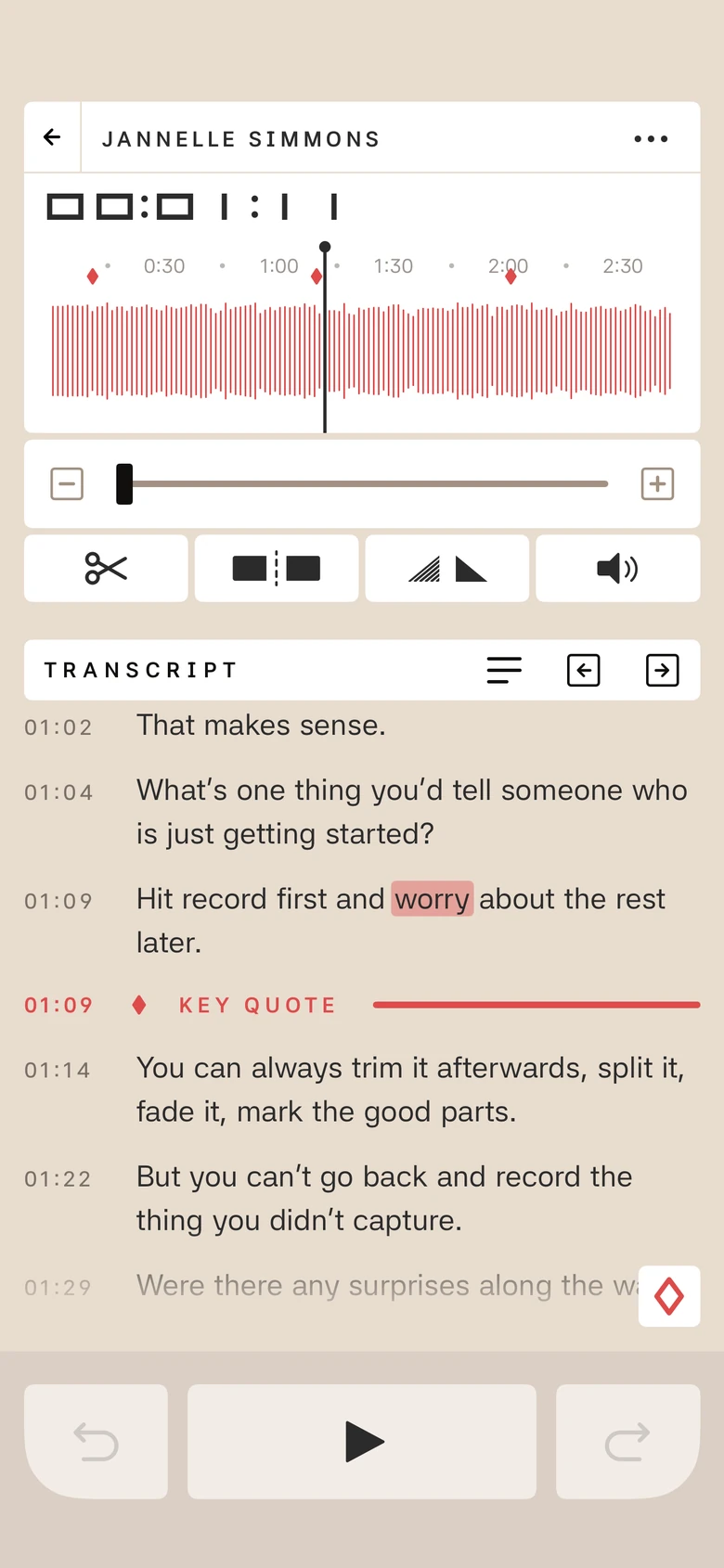
Read along as you record or play back. Tap any word to jump to it. Search everything by what was said, and export as PDF, text or Markdown.
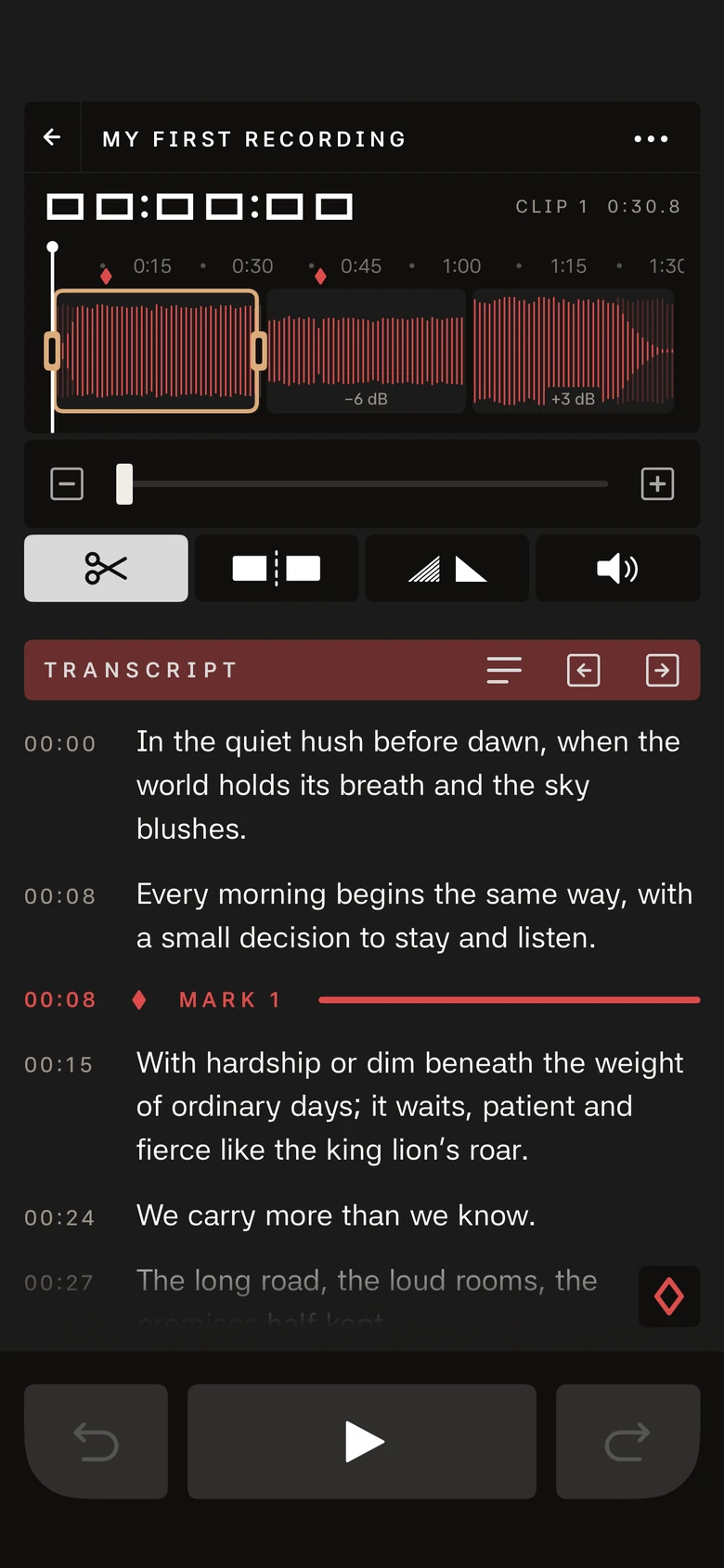
Editing · Pro
Clean up a recording right in the app. Edits never touch the original audio, so you can undo, redo, or revert whenever you like.
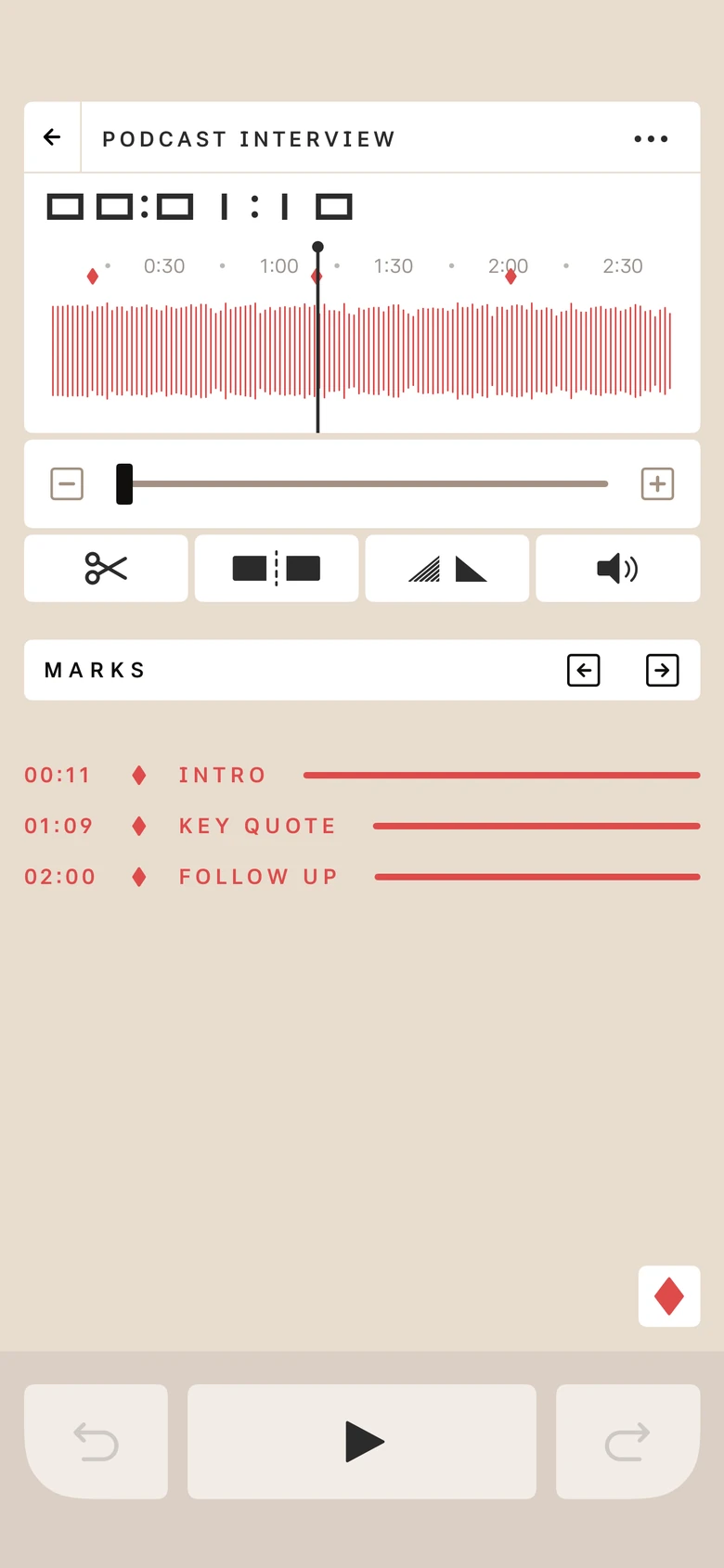
Marks
Tap MARK while you record or listen, then jump straight back to it. Add a short note to any mark so you remember why it mattered.
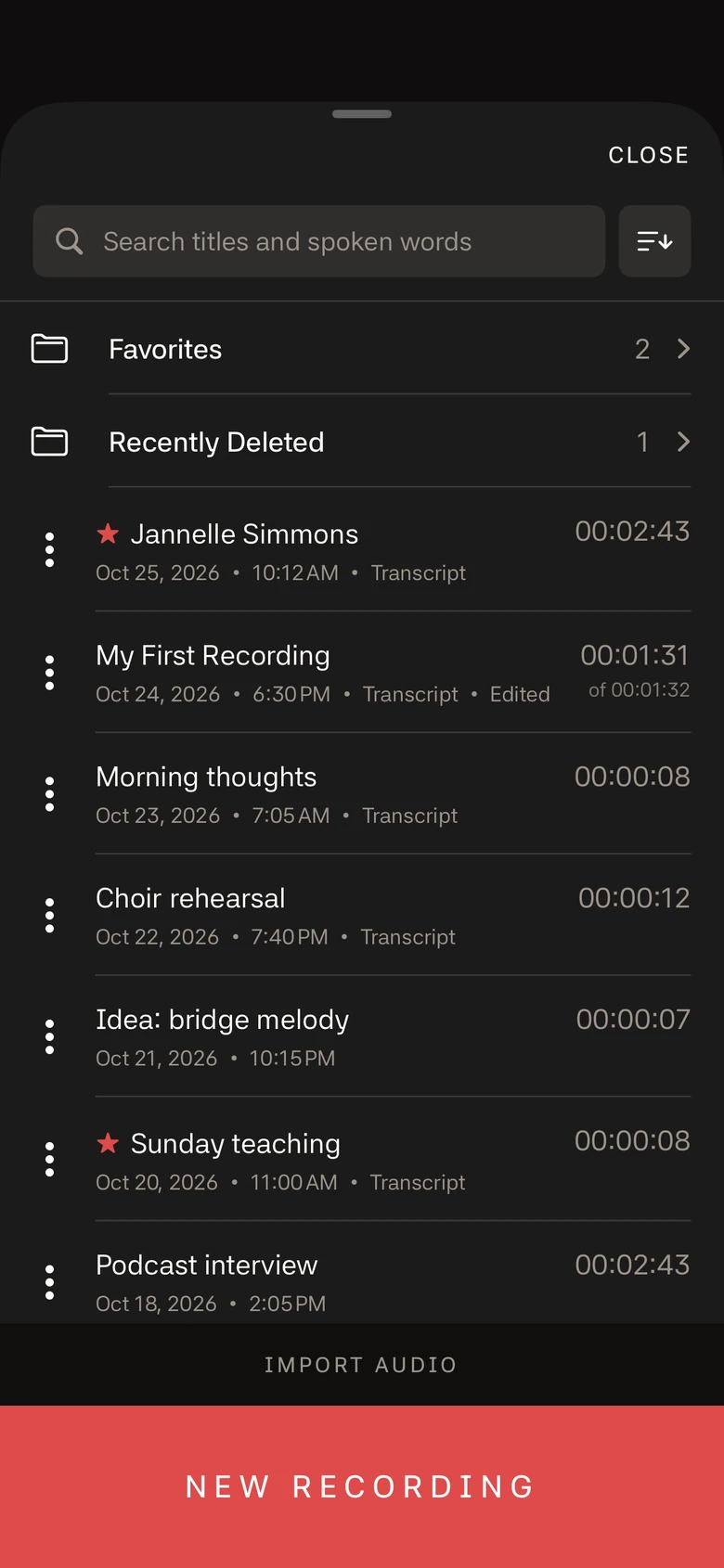
Import
Pick audio from Files or iCloud Drive and it becomes a recording, ready to play, scrub, mark and edit. Add a transcript if you want to read along.
Appearance
Switch themes any time to suit your room, day or night, or let the app follow your iPhone. Pick from six app icons too.
Nothing in your way
Everything happens on your iPhone. Recordings stay there, or in your own iCloud if you choose. Transcripts are made on the device too, so nothing is sent anywhere.
And a few more
Re-do just one part of a saved recording. Undo brings the old version back.
Count-in clicks before you record, at a tempo you set, and an option to keep the clicks going through headphones.
Left and right channel meters while you record, and a big timer you can read from across the room.
Start and stop recording from a widget, the Lock Screen or Control Center.
Search, sort, Favorites and Recently Deleted folders, swipe actions, and 30 days to change your mind.
Save your recordings in your own iCloud Drive. Off until you switch it on.
Pricing
No subscription, no account, no trial clock.
Requires iPhone with iOS 18.6 or later. Transcription needs iOS 26.